Limits
1. Quota

MemOS Cloud Services currently provides multiple pricing plans, from the free tier to the enterprise tier, to meet the needs of teams of different sizes. All plans are currently free for a limited time. Visit MemOS Pricing page to apply for the plan that fits your needs. Take action now and use MemOS Cloud Services to support the growth of your projects.
- The free quota is provided per developer account and is shared across all projects under that account.
- Failed requests (authentication failure, parameter error, exceeding limits, etc.) do not consume quota.
2. Resource Limits
To ensure service stability and security, MemOS Cloud Services imposes the following limits on core API calls, calculated per account:
| API Name | Single Input Limit | Single Output Limit |
|---|---|---|
| addMessage | 40,000 tokens | - |
| searchMemory | 40,000 tokens | Factual Memory: 25 items Preference Memory: 25 items Tool Memory: 25 items Skills: 25 items |
In addition, the document upload feature for the knowledge base currently has the following limits:
- Supported document types: PDF, DOCX, DOC, TXT, JSON, MD, XML
- Maximum single-file size: no more than 100 MB and 500 pages
- Maximum number of files per upload: no more than 20 files
If you have higher-level or special requirements, please contact the project team for further discussion.
- Requests exceeding the per-call limit will return the corresponding error code without deducting quota.
- The total input tokens per minute must not exceed 400,000 tokens. Requests exceeding this limit will be rate-limited.
- Additionally, we recommend a maximum QPS ≤ 50 (i.e., up to 50 requests per second). This is not a strict limit, but high concurrency may be affected by platform capacity, so control request frequency according to actual needs.
3. Usage Monitoring
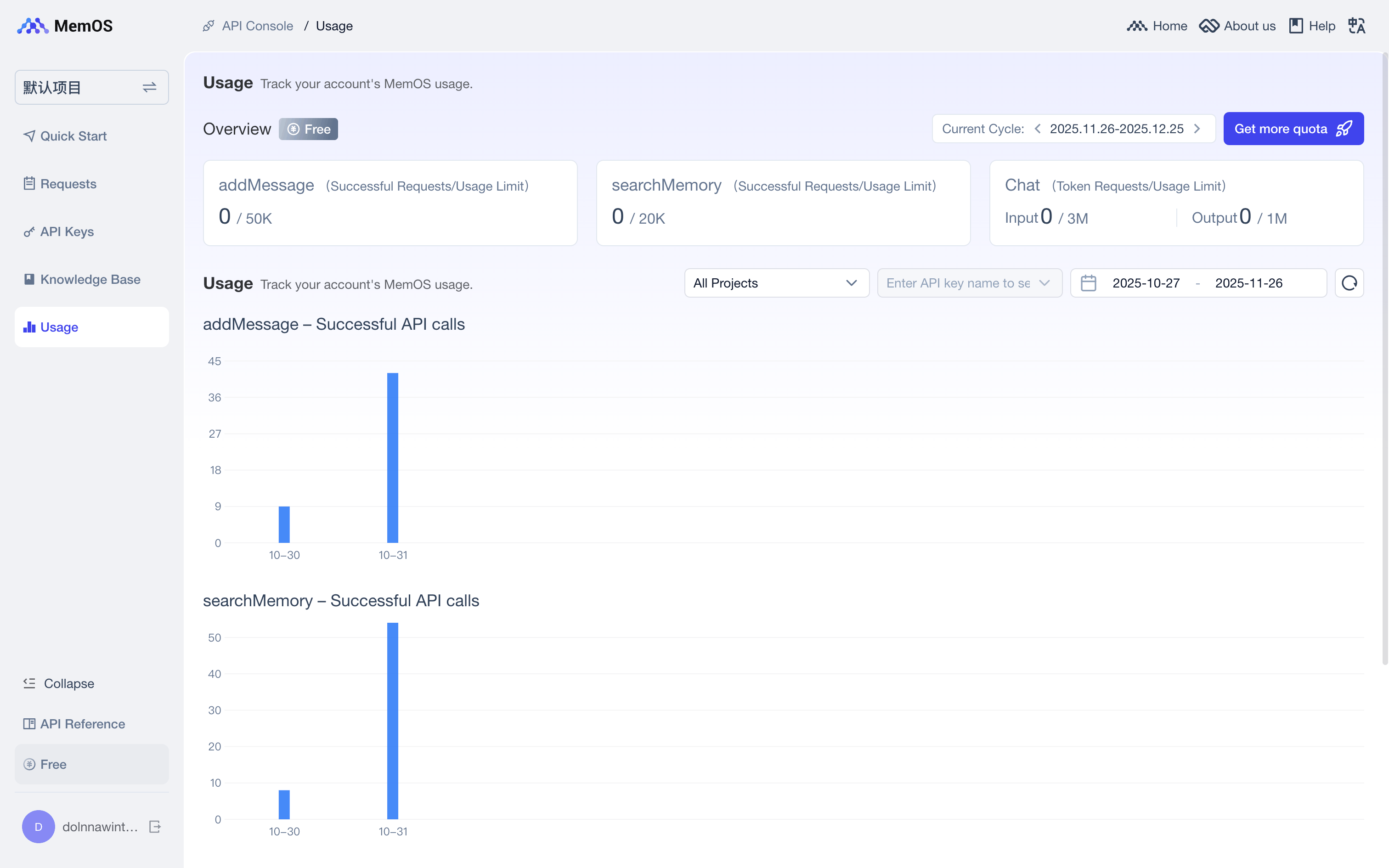
You can view the remaining quota for each API through the API Console, with filters for project, API key, and date to facilitate tracking and managing usage.